
Clinical LIMS software only pays off if it sits comfortably inside the daily rhythm of your practice, not beside it. A laboratory information system that forces your staff to re-key data, chase paper slips or log into a separate portal will cost you more time than it saves. The aim is simple: a test is requested, a sample is tracked, a result lands in the right record, and the right clinician sees it.
Most practices don’t have a lab problem as such. They have a handoff problem. The request form is clear to the doctor but ambiguous to the lab, or the result is filed correctly but nobody is alerted that it’s abnormal.
Industry data suggests that administrative waste accounts for somewhere between 20 and 25 percent of healthcare spending, and a good share of that is people moving information from one place to another by hand. Research published by the American Medical Association found that doctors rated their record systems at just 45.9 out of 100 for usability, and that poorly designed systems can mean roughly two hours of admin for every hour of patient care. That research looked at American doctors, but anyone who has watched a UK clinician juggle three screens will recognise the pattern.
So the question for owners and practice managers isn’t “which lab system has the longest feature list?” It’s “where does the lab touch our workflow, and does the software respect each of those moments?”
Laboratory Information System Integration With EHR: Where Most Workflows Break
A laboratory information system manages the lab’s side of the story: accessioning samples, assigning work to analysers or benches, validating results and releasing reports. Your clinical record holds the patient’s history, medications and consultation notes. Integration is the bridge between the two, and it’s where most practices lose time.
Without it, someone reads a result from a PDF or printout and types it into the patient’s file. That’s a transcription risk every single time. Digital notes avoid the misread handwriting problem, but only if the data flows in without being retyped. A decimal point in the wrong place on a potassium result is not a clerical quirk, it’s a patient safety event.
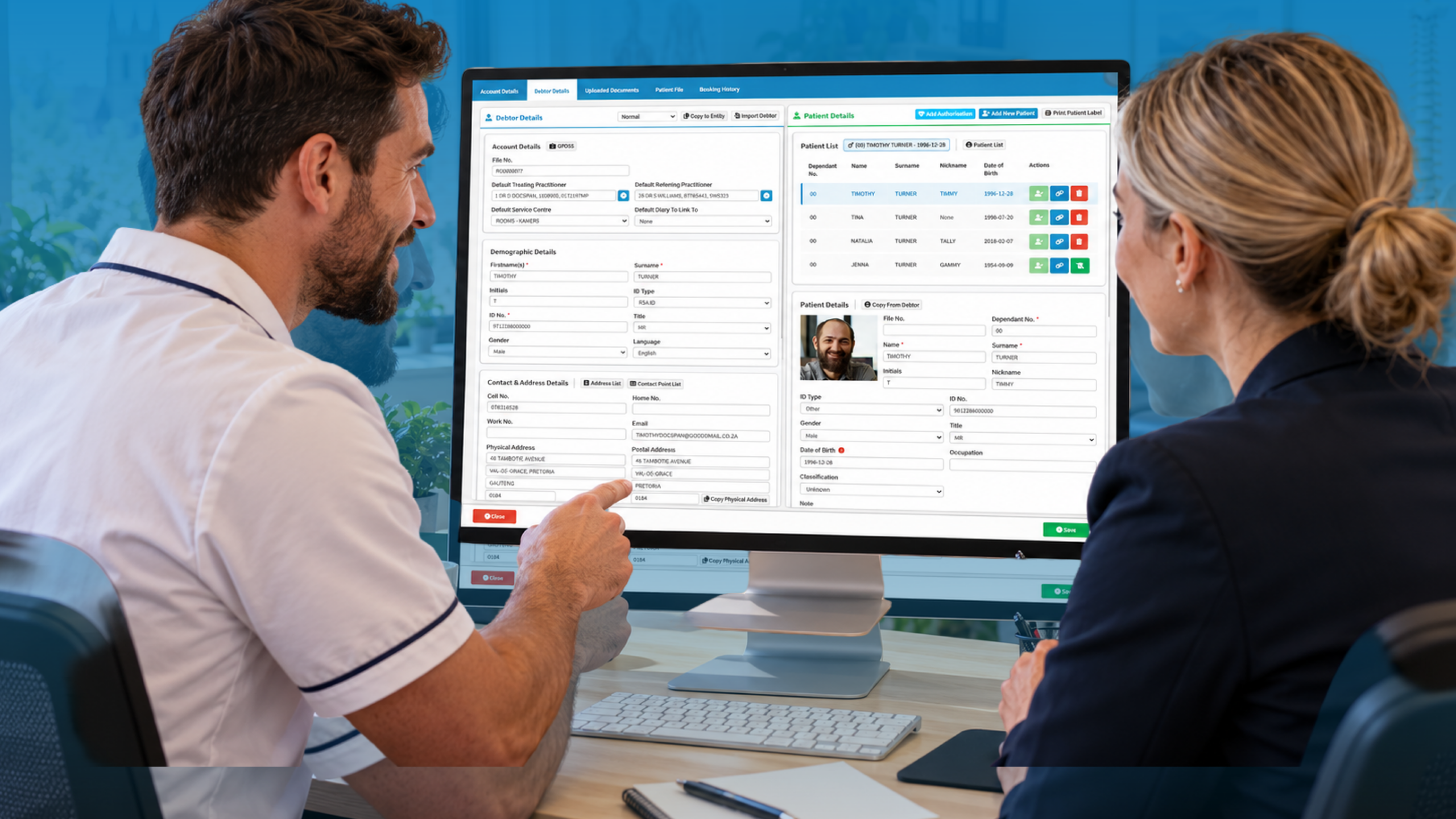
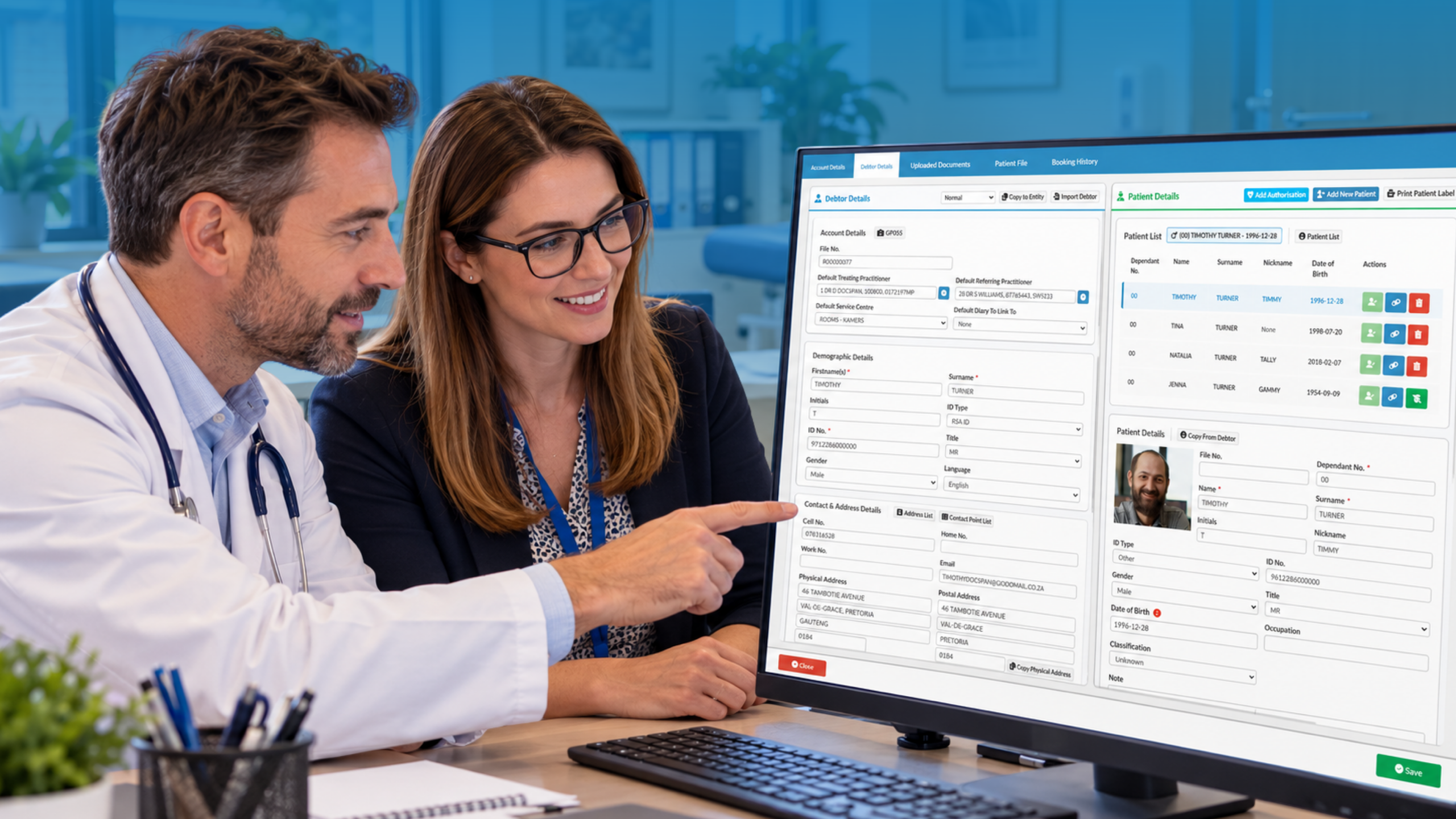
A properly integrated setup means the electronic patient records show the lab’s identifiers, the requested panel, the reference ranges and the final report in one place. The clinician doesn’t leave the consultation screen to find out whether last week’s bloods came back. Demographics flow from the record to the lab, so a mismatched date of birth doesn’t hold up a sample at the bench.
There’s also the compliance side. Lab data is special-category health data, so your handling of it falls under UK GDPR, and the Information Commissioner’s Office publishes practical guidance on what that means for organisations. The General Medical Council’s confidentiality guidance is equally relevant when results are shared between teams. Integration should reduce the number of copies of a result floating around, not multiply them.
When you assess any system, ask how it exchanges data, who can see what, and how an audit trail is kept. For a broader view of connecting clinical and administrative tools, see [INTERNAL LINK: integrated practice management and clinical records -> GoodX clinical records page].
Lab Test Ordering and Results Workflow: From Request to Action
Think of ordering and results as a loop with four stops: request, collection, report, action. Most errors happen at the joins between stops, not within them. The loop is only closed when someone has acted on the result and told the patient.
At the ordering stage, electronic requests beat paper for one plain reason: they can’t be illegible. Structured request forms also prompt for clinical details the lab needs, such as fasting status, relevant medication or urgency. Fewer rejected or queried requests means fewer patients called back for a second blood draw, which is the kind of thing people remember when they review your practice.
On the results side, the real skill is triage. A busy practice may receive dozens of reports a day, and the system should help separate the routine from the urgent. Abnormal flags, critical value alerts and clear ownership of each result matter more than a pretty inbox. If a result sits in a shared queue with no named reviewer, it will eventually sit there too long.
Good pathology results management also covers the awkward cases. What happens when the ordering doctor is on leave? Who reviews a result that arrives on a Friday evening? Define a rule, build it into the system, and write it down. The Medical Protection Society’s record keeping guidance is a useful reminder that documenting who reviewed a result, and what was done, protects both patients and clinicians.
Finally, close the loop with the patient. A templated message or portal notification saves reception from fielding “did my results come back?” calls, which in many practices eat a surprising chunk of the morning. If you’re reviewing your current process, [INTERNAL LINK: reducing administrative workload in your practice -> GoodX workflow automation page] is a good place to start.
Sample Tracking in a Clinical Laboratory: Knowing Where Every Tube Is
Sample tracking is the least glamorous part of the workflow and the one that causes the most sleepless nights. A lost or mislabelled specimen means a repeat collection, a delayed diagnosis and an uncomfortable conversation. In some cases, such as a biopsy, the sample can’t be recollected at all.
Sound sample tracking in a clinical laboratory starts with a unique identifier generated at the point of request, printed as a barcode label and scanned at every handover. Collection, packing, courier pickup, receipt at the lab, processing and storage each get a scan and a timestamp. If a tube goes missing, you can see the last place it was recorded rather than searching every fridge.
A few practical habits make a difference:
- Label the sample in front of the patient, never afterwards.
- Scan at every transfer, not just at arrival.
- Review a daily list of samples sent but not yet received.
- Record rejected samples and the reason, so patterns show up.
That last point is underrated. If one clinic room produces a disproportionate share of haemolysed samples, you’ve found a training issue, not a lab issue. Tracking data turns anecdotes into something you can act on.
For practices working with external laboratories, tracking also supports your regulatory position. The Care Quality Commission’s guidance for GP providers emphasises safe care and good governance, and being able to show how specimens and results are managed is part of that picture.
Where GoodX Fits Into Your Laboratory Workflow
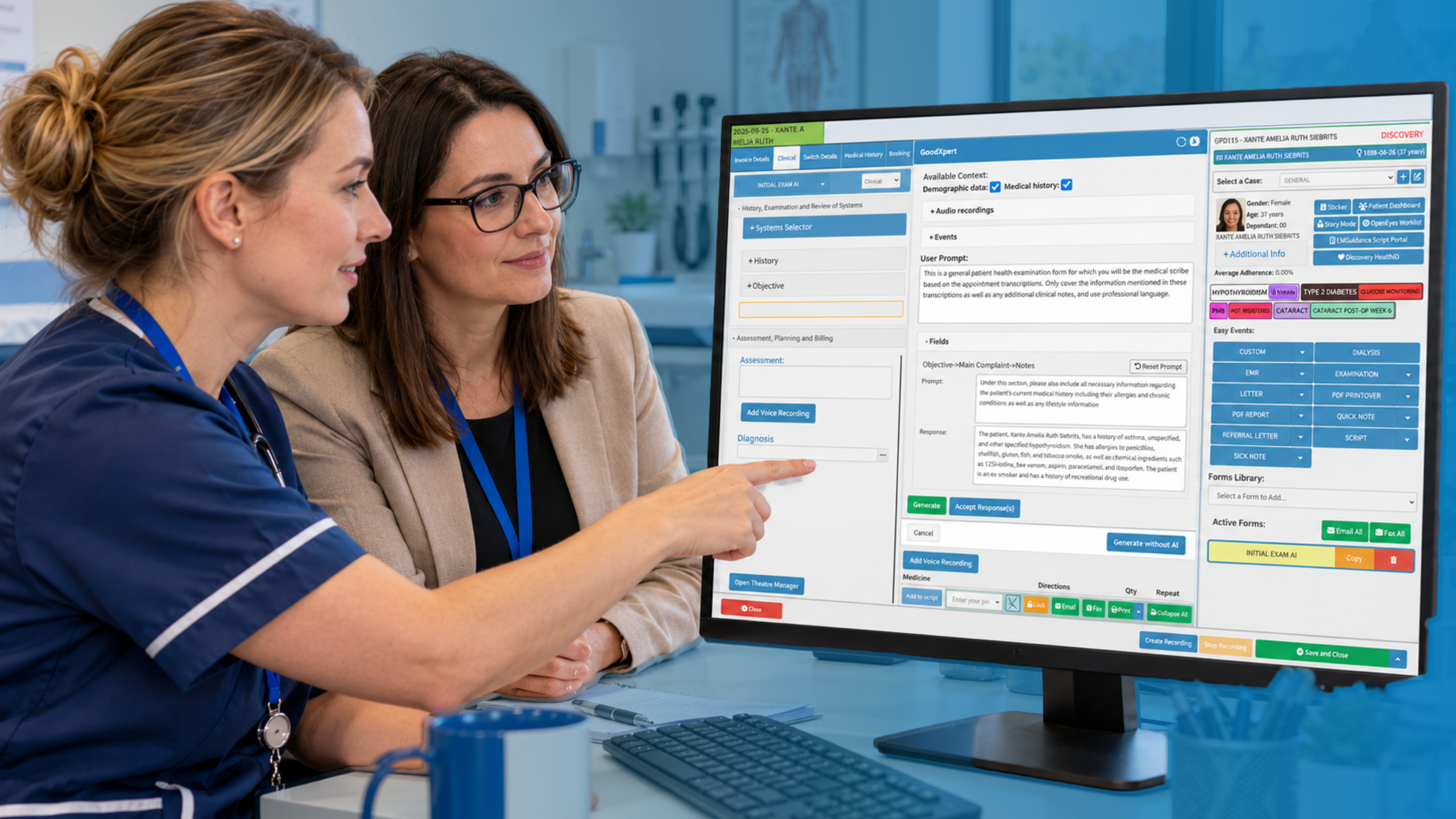
GoodX is practice management software built around the idea that clinical, administrative and financial work should share one picture of the patient. For a practice that orders tests, that means requests, results and the patient’s electronic records can be handled in connected steps rather than in separate tools. Staff spend less time switching between screens, which is exactly the burden that usability research keeps highlighting.
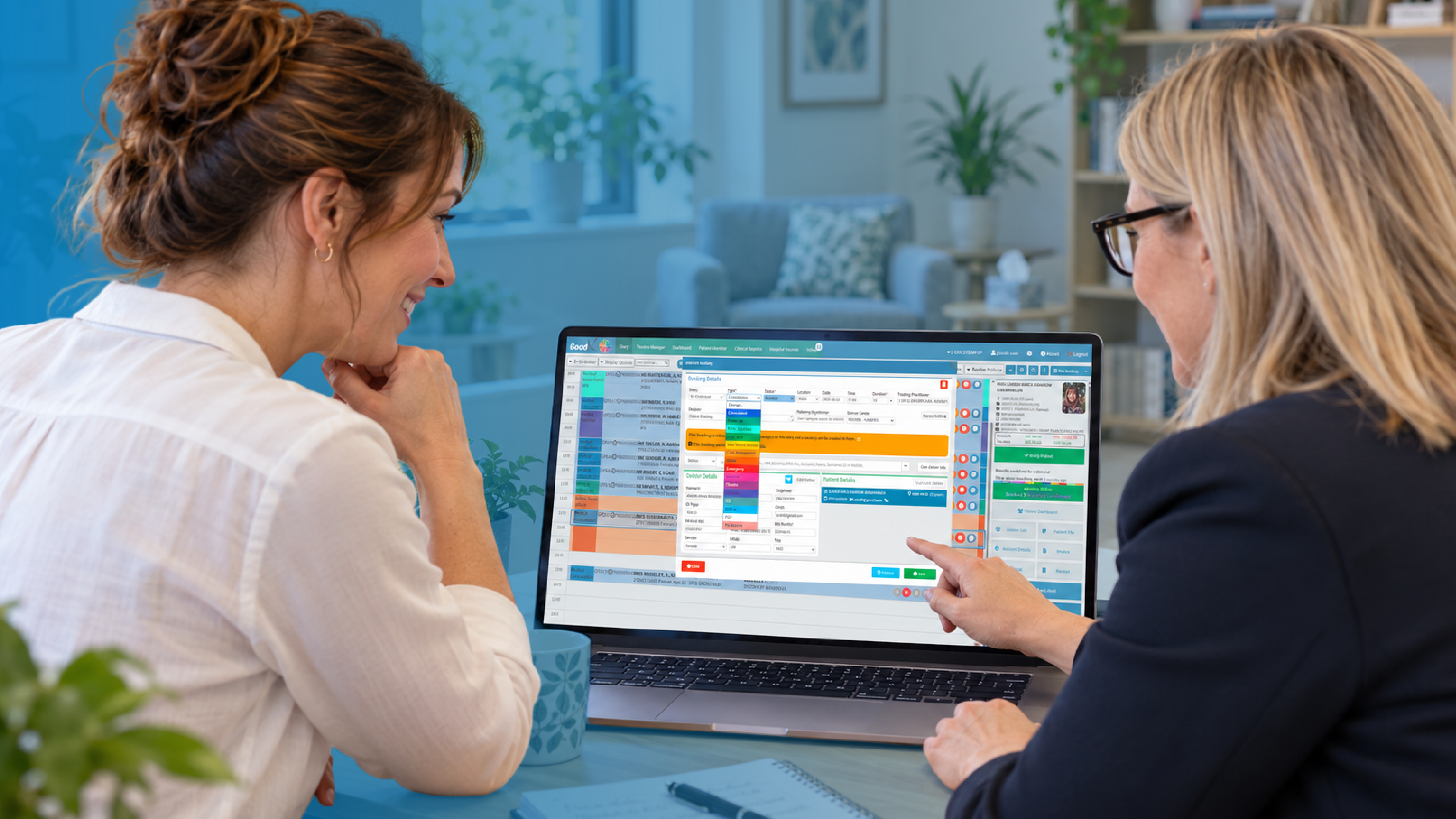
Because bookings, billing and clinical notes sit together, a lab request can be tied to the right consultation and the right patient account from the start. That helps with clean record keeping and gives managers reporting on turnaround times, outstanding results and workload. It also supports good information governance, with access controls and an audit trail that suit UK GDPR expectations.
We’d always suggest starting with your own workflow rather than a feature list. Map the loop from request to action, mark where it currently breaks, and bring that map to a demonstration. You’ll quickly see whether a system fits your practice or asks you to change it to suit the software.
The British Medical Association’s guidance for GP practices and the NHS England general practice pages are worth keeping to hand as you plan, particularly where your lab arrangements interact with NHS pathways. For more on choosing systems well, see [INTERNAL LINK: choosing practice management software -> GoodX buyer’s guide].
Frequently Asked Questions
What does clinical LIMS software actually do?
Clinical LIMS software manages the laboratory side of testing: logging samples, assigning tests, recording and validating results, and releasing reports. In a practice setting, its value comes from connecting those steps to your clinical record so requests and results move without manual retyping.
Do small practices need a laboratory information system?
Not always a full one. If you only send samples to an external laboratory, you mainly need reliable electronic ordering, sample tracking and result handling inside your practice software. A full laboratory information system makes sense when you process tests on site or run a lab yourself.
How does lab integration reduce errors?
It removes manual transcription, which is where most avoidable mistakes occur. Patient details, test codes and results transfer electronically, so there is no retyping of values and fewer mismatched records. Flags for abnormal results also help clinicians spot problems sooner.
Who is responsible for reviewing results?
The ordering clinician is normally responsible unless your practice has agreed a clear alternative. Set a named reviewer, a cover arrangement for leave and an escalation rule for urgent results, and record each review in the patient’s file.
Is lab data covered by UK GDPR?
Yes. Test results are health data, which UK GDPR treats as special category data requiring extra protection. You need a lawful basis, appropriate access controls, and sensible retention and sharing rules. The ICO provides practical guidance for organisations.
Book your free GoodX demo
If you’d like to see how requests, results and patient records can sit together in one workflow, book a free demonstration at goodx.co.uk. Bring your current process and your trickiest handoff, and we’ll show you how it could work in practice.
Disclaimer: This article is provided for general informational and educational purposes only. While GoodX Software takes reasonable care to ensure that the information is accurate and current at the time of publication, laws, regulations, industry standards, healthcare policies and technology may change. The content should not be regarded as medical, legal, financial or other professional advice. Readers should verify information relevant to their circumstances and consult an appropriately qualified professional where necessary. GoodX Software accepts no responsibility for decisions made or actions taken solely on the basis of this content.