
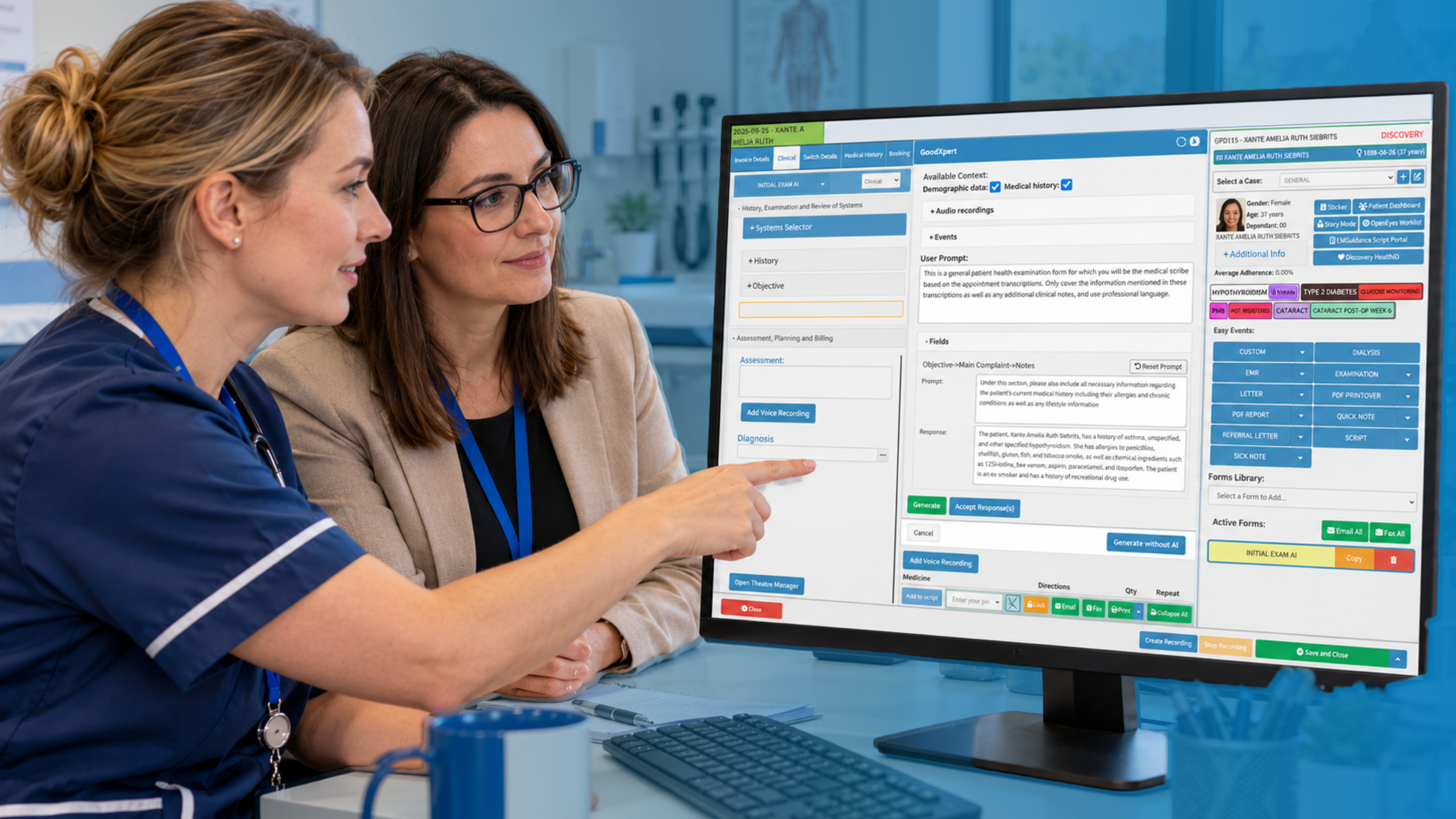
Occupational health clinic software has to do more than book appointments and store notes. It has to handle a second customer, the employer, without ever letting that relationship leak confidential clinical detail. If your system can’t manage that tension, you’ll spend your days working around it.
Here are the seven features worth expecting, grouped under the three areas that cause the most daily friction: records, reporting and scheduling. We’ll then look at where GoodX fits. Along the way you’ll see why a generic GP-style system often falls short for this work.
The seven, briefly: structured records, consent controls, fitness for work assessment templates, health surveillance recalls, employer report generation, flexible scheduling and automated reminders. None is exotic. Together they decide whether your team spends its time on clinical judgement or on chasing paper.
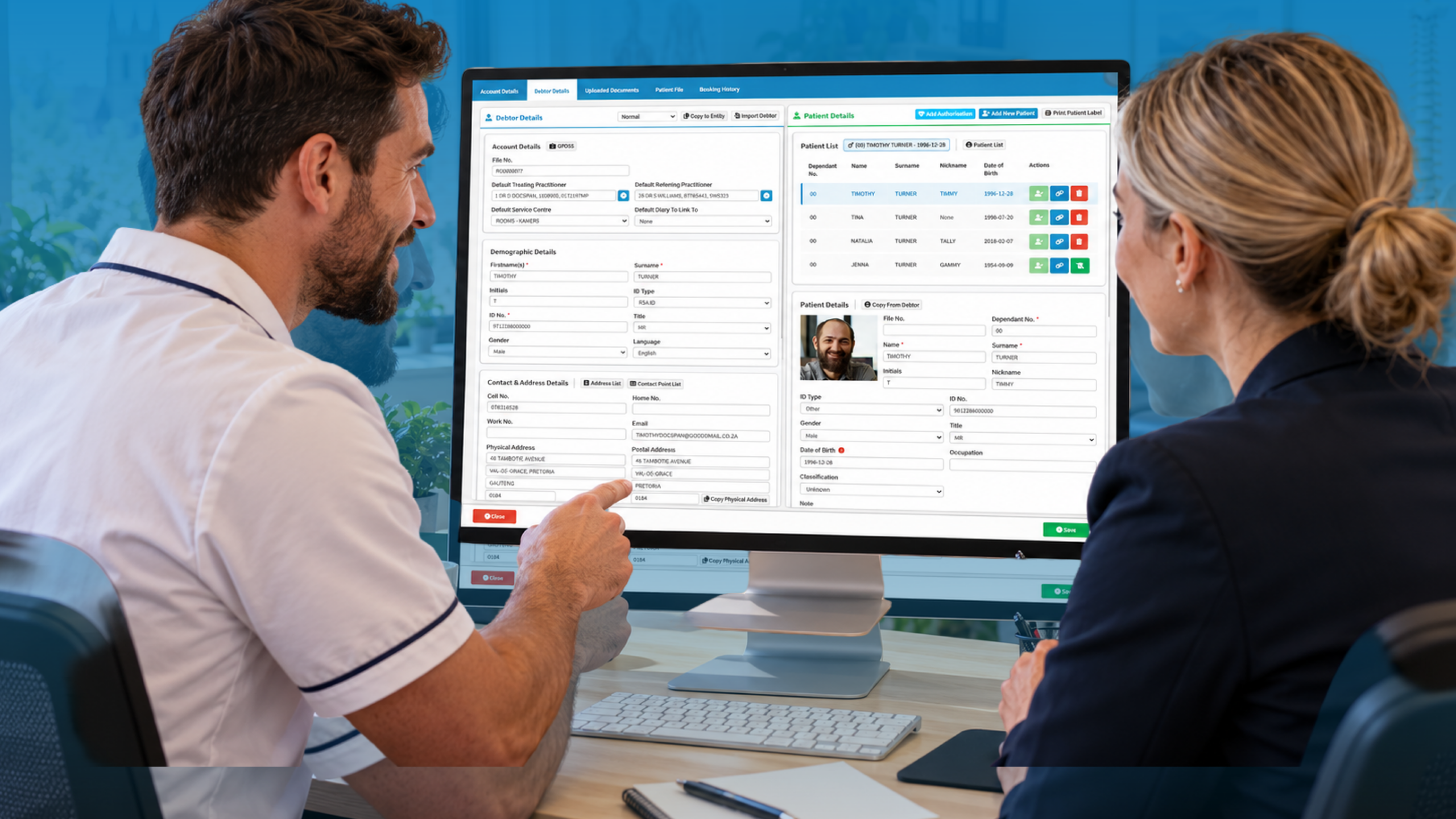
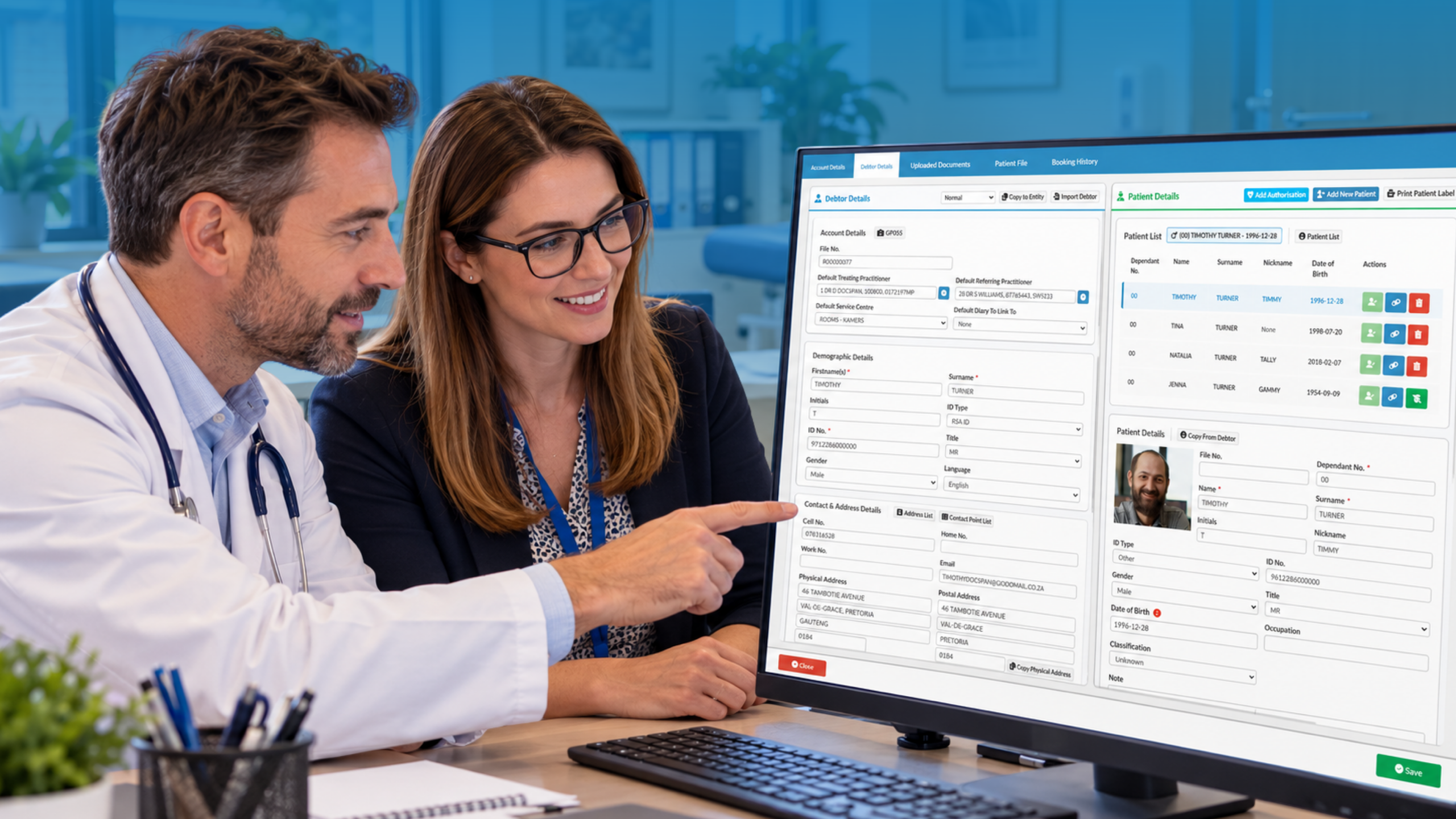
Occupational Health Record Management That Respects Two Audiences
Occupational health record management is harder than ordinary record keeping because the patient is a worker, the payer is often their employer, and the two have different rights to information. The employee owns the clinical detail. The employer is entitled to an opinion on fitness and any adjustments, and nothing more.
That split should be built into the software, not left to staff memory. Look for records that separate clinical notes from the outcome sent to management, and that log who opened what and when. The General Medical Council’s confidentiality guidance is clear that disclosure needs consent or a sound legal basis, so your system should capture consent at the point of referral and make it visible later.
Fitness for work assessments are where templates earn their keep. A good system gives you structured fields for job role, hazards, functional limitations and recommended adjustments, so a nurse or physician isn’t retyping the same headings forty times a week. It should also let you add free text where the case needs nuance, because no two back-pain referrals are identical.
Health surveillance tracking belongs in the same record, not in a spreadsheet beside it. Whether it’s audiometry, spirometry, skin checks or hand-arm vibration screening, you need baseline results, the next due date and a trend over time in one place. A spreadsheet works until the person who built it goes on leave.
Then there’s compliance. GDPR compliant patient records mean more than a login screen: role-based access, audit trails, retention rules and the ability to respond to a subject access request without a week of digging. The Information Commissioner’s Office UK GDPR guidance is a sensible checklist to hold your supplier against. Ask them to show you each point, not just promise it.
Good habits matter as much as good software. The Medical Protection Society’s guide to record keeping is a useful reminder that notes should be contemporaneous, clear and attributable. Software can enforce some of that, such as locking entries and timestamping edits, but your clinicians still have to write well.
Employer Reporting and Referrals Without the Email Chain
Employer reporting and referrals are where many clinics lose hours. A manager emails a referral, someone retypes it, the report goes back as an attachment, and three weeks later nobody can say which version was final. It’s slow, and it’s a data protection risk every time an attachment goes to the wrong person.
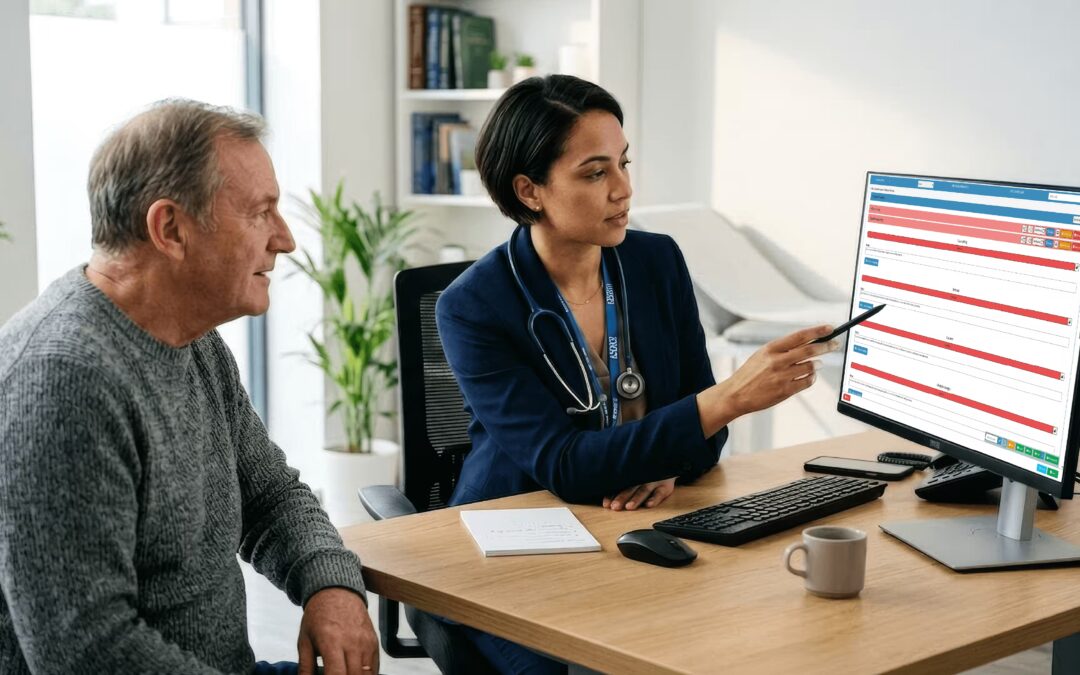
Better software gives employers a structured referral form with the questions you actually need answered: the role, the absence history, the specific concern and what the manager wants to know. Incomplete referrals are the main reason assessments stall, so required fields save real time. Once the referral is in, it should create the booking and the record without anyone rekeying it.
On the way out, you want report templates that pull the agreed outcome into a standard format. Is the employee fit, fit with adjustments, temporarily unfit, or in need of further information? Reports should show that outcome and recommendations, and leave the clinical detail behind unless the employee has agreed to share it. A clinician should review and sign off before anything is released, and the system should record that it happened.
Think about the numbers your corporate clients will ask for. Turnaround time from referral to report, number of referrals by department, and how many assessments ended in adjustments are all reasonable requests. If you can only answer by counting by hand, you’re losing contract renewals to clinics that can produce a tidy monthly summary. Anonymised, aggregated reporting is also how you show an employer that their health surveillance programme is actually working.
Don’t forget the internal side. Referrals from GPs, case managers or insurers may all arrive differently. Software that tracks each referral’s source, status and next action keeps nothing sitting in a shared inbox.
Occupational Health Appointment Scheduling That Fits Real Workplaces
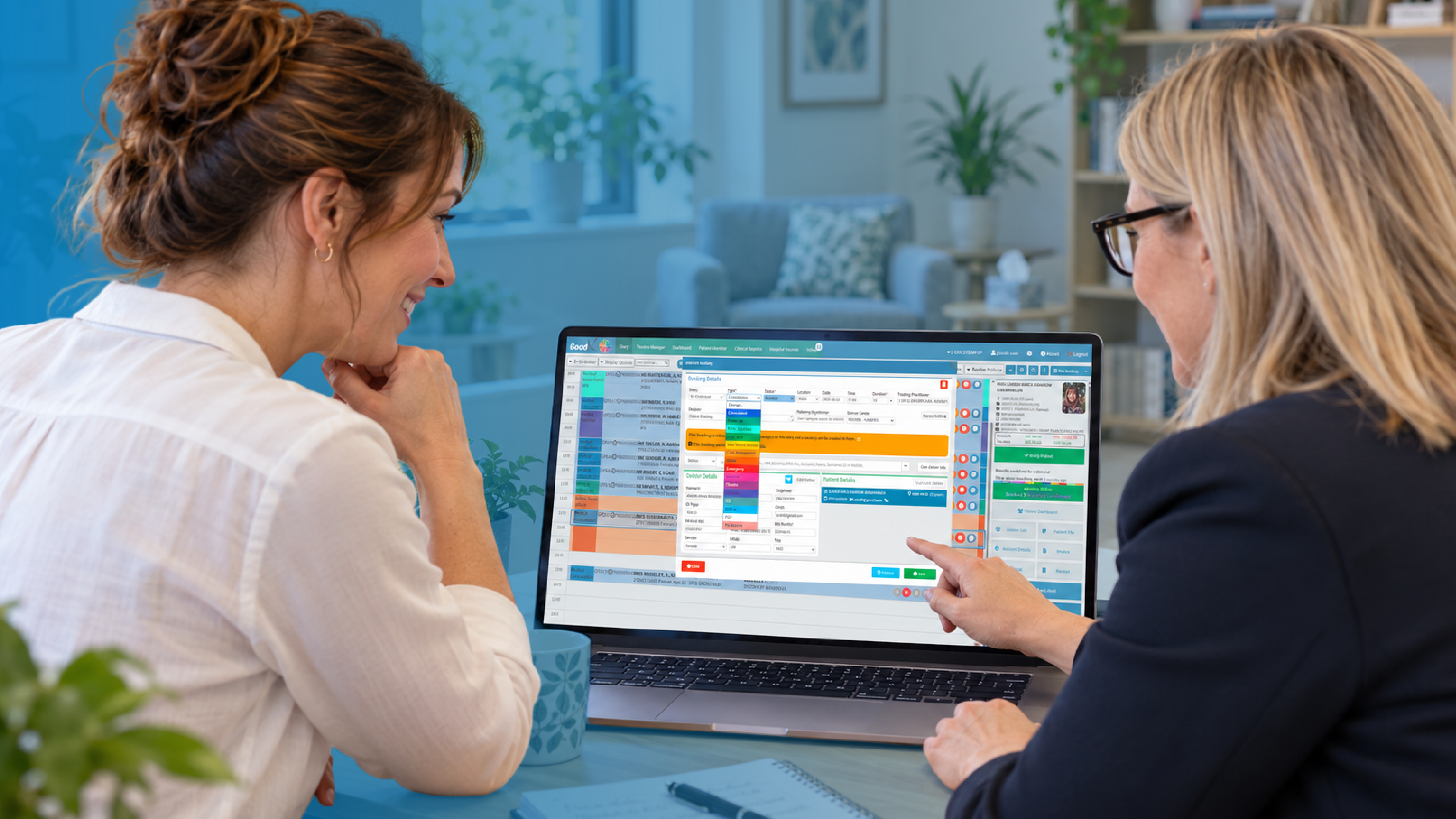
Occupational health appointment scheduling has quirks that standard diaries ignore. A single employer might send twenty staff for surveillance on the same day. A night-shift worker can’t attend at ten in the morning. A pre-placement check for a new starter has a hard deadline, because the start date is already fixed.
So look for appointment types with sensible default lengths and the right clinician attached: a hearing test needs a booth and an audiometrist, a management referral needs a physician or specialist nurse. Block booking for employer groups, with the ability to release unused slots, saves a lot of phone calls. One MGMA article on scheduling and patient communication found that most groups report no-show rates above 6 percent and that automated reminders are underused. That’s US data, but the pattern will be familiar to any UK practice manager.
No-shows hurt occupational health twice. The slot is wasted, and the employer is waiting for an outcome that now slips by a fortnight. Automated text and email reminders are the obvious fix, and they should include clear instructions, such as bringing glasses or avoiding loud noise before an audiogram. If the employer pays, a late-cancellation rule agreed in the contract gives those reminders some teeth.
Some scheduling ideas from general practice carry over well. AAFP’s piece on wave scheduling describes overlapping bookings so time can move from simple visits to complex ones. In occupational health, that might mean pairing quick surveillance checks with a longer case review in the same session. And booking the follow-up before the worker leaves, as the same article advises, stops return-to-work reviews drifting.
Self-booking is worth considering for routine surveillance. The same MGMA survey noted only about 30 percent of groups offer it, so there’s room to stand out. A secure link sent by the employer lets staff pick a slot without ringing reception.
Where GoodX Fits In
GoodX is practice management software built to join up the pieces described above: bookings, clinical records, communication, billing and reporting in one system. For an occupational health clinic, that means a referral can become an appointment, an assessment and a report without being retyped at each stage. Staff see one record instead of three.
On the scheduling side, GoodX supports automated reminders and flexible diaries, so group sessions and single referrals can sit side by side. On the records side, role-based access and audit trails help you protect confidentiality and meet your UK GDPR duties. Reporting tools let you pull activity and turnaround figures for employer reviews, and billing sits in the same place, so invoicing a corporate client doesn’t mean exporting data to another tool. [INTERNAL LINK: GoodX clinical records software -> GoodX clinical records page]
No software fixes a poor process, and it’s worth mapping your referral journey before you move systems. Time each stage, find the longest wait and fix that first. If you’re comparing options, [INTERNAL LINK: practice management software for UK clinics -> GoodX practice management page] is a sensible starting point, and the Care Quality Commission’s guidance for providers is worth keeping nearby when you assess how any system supports safe, well-led care. Where your clinic is registered, check what applies to your service. A demo is the quickest way to test whether the workflow suits yours. [INTERNAL LINK: book a GoodX demo -> GoodX contact page]
Frequently Asked Questions
What is occupational health clinic software?
It’s practice management software tailored to workplace health services. It combines confidential clinical records, employer referrals and reports, surveillance recalls, scheduling and billing in one system, with controls that keep clinical detail separate from what managers are told.
How does software support fitness for work assessments?
It provides structured templates covering role, hazards, limitations and adjustments, then produces a report for the employer with the agreed outcome. Clinicians still apply their judgement, but the repetitive formatting and record linking happen automatically, saving time and reducing errors.
Can software help with health surveillance tracking?
Yes. It stores baseline and repeat results, calculates due dates and triggers recalls, so overdue checks are visible. Trends over time sit in the same record, which helps clinicians spot changes and helps employers show their surveillance programme is on schedule.
How should software handle GDPR compliant patient records?
It should offer role-based access, audit trails, retention controls and easy retrieval for subject access requests. Consent for sharing information with employers should be recorded clearly. Check your supplier’s claims against the ICO’s UK GDPR guidance.
Do occupational health clinics need different scheduling tools?
Often, yes. You’ll want block bookings for employer groups, appointment types linked to specific equipment or clinicians, shift-friendly times and automated reminders. These features reduce no-shows and keep referral turnaround times within what employers expect.
Book your free GoodX demo
If you’d like to see how these features work together in a real clinic workflow, we’d be glad to show you. Book a free demo at goodx.co.uk and bring your toughest referral scenario with you.
Disclaimer: This article is provided for general informational and educational purposes only. While GoodX Software takes reasonable care to ensure that the information is accurate and current at the time of publication, laws, regulations, industry standards, healthcare policies and technology may change. The content should not be regarded as medical, legal, financial or other professional advice. Readers should verify information relevant to their circumstances and consult an appropriately qualified professional where necessary. GoodX Software accepts no responsibility for decisions made or actions taken solely on the basis of this content.