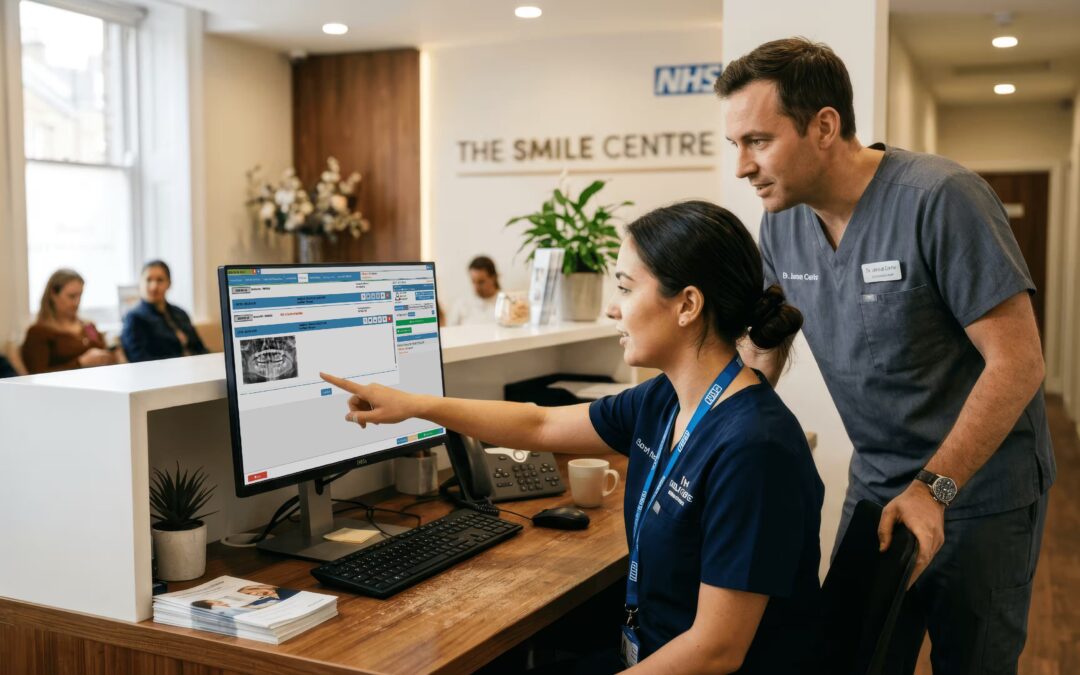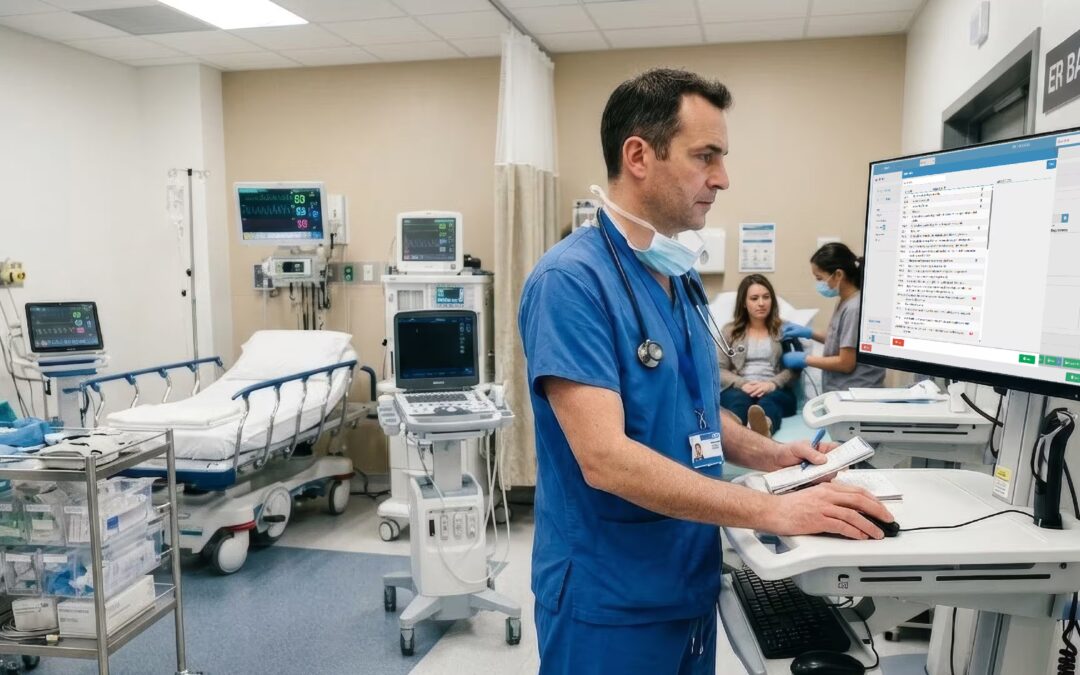


Scheduling is the heartbeat of any healthcare practice. In the UK, where patient expectations are high and operational efficiency directly affects both private and NHS-funded practices, the quality of your scheduling software matters more than most administrators realise. This guide looks at what to prioritise when evaluating the best scheduling software for healthcare providers across the UK. From appointment management to staff rotas, the right scheduling platform can reduce administrative burden, improve patient experience, and support regulatory compliance.
Best Healthcare Employee Scheduling Software: Features That Matter
Why Employee Scheduling Deserves Its Own Focus
Patient scheduling and staff scheduling are two different animals in healthcare. Patient scheduling focuses on appointment slots and patient journeys. Employee scheduling, by contrast, is about managing the people who deliver care: clinicians, nurses, administrative staff, and support workers. It involves rota management, leave tracking, shift planning, and ensuring your practice has adequate clinical cover every single day.
In the UK, this is not just an operational issue. The Care Quality Commission (CQC) explicitly expects practices to maintain appropriate staffing levels. When CQC inspectors visit, they look at whether you have documented evidence that your staff scheduling supports safe, effective care. Gaps in cover, unexplained absences, or rotas that place unfair workload on clinicians can become compliance findings. That’s why the best healthcare employee scheduling software does more than just fill shifts: it creates an audit trail of staffing decisions.
Good employee scheduling software also reduces the time practice managers spend building rotas manually. Instead of email chains, spreadsheets, and last-minute scrambles, modern scheduling tools automate the process, flag staffing gaps in advance, and give clinicians visibility into their own availability. This transparency builds trust between management and staff while protecting patient safety.
Core Features of Healthcare Employee Scheduling Software
The best healthcare employee scheduling software includes rota building and management tools that let practice managers create shifts, assign staff, and publish schedules efficiently. Look for drag-and-drop rota builders, template functionality, and the ability to set role-specific constraints. You need to specify that a GP can work a particular clinic slot, but a receptionist cannot. You need to ensure clinician-to-patient ratios meet your protocols.
Clinician availability tracking is equally critical. Staff should be able to submit their availability in advance, note when they’re unavailable, and request swaps with colleagues. The software should handle this without creating chaos or breaking your compliance framework. When a clinician requests leave, the system should check staffing cover before approving it. When an unexpected absence occurs, the system should flag it so managers can source cover before clinic starts.
Leave and absence management is another core feature. Track annual leave, study leave, maternity, sick leave, and other absence types separately. Good employee scheduling software integrates with payroll so that leave is accurately reflected in salary calculations. Real-time visibility of staffing cover is the final piece: managers need a single dashboard that shows them at a glance which clinicians are scheduled, who is unavailable, and whether cover is adequate across all shifts and locations.
Integration with Practice Management Systems
Employee scheduling software that sits in isolation creates friction. The real value emerges when employee scheduling integrates with your wider practice management ecosystem. This means syncing clinician availability with patient appointment slots, so that appointments cannot be booked into vacant shifts. It means linking staff rotas with billing and invoicing, so that clinician hours drive accurate cost centres and revenue allocation.
For practices using payroll management, integration between scheduling and payroll systems is essential. Staff hours should flow automatically into payroll processing, reducing manual data entry and errors. Practice managers benefit from a single view of operational capacity: they can see at a glance which clinicians are available, which appointment slots are booked, and whether clinical capacity matches demand.
NHS-contracted practices gain additional value from scheduling software that aligns with NHS Digital standards. NHS referral pathways and referral-to-treatment targets depend on practices having visible, accurate clinician capacity. When your employee scheduling integrates with your clinical system and reporting tools, you can generate the evidence that NHS Improvement needs to demonstrate you are meeting efficiency targets and maintaining safe staffing levels.
Best Home Health Care Scheduling Software: Key Considerations
What Makes Home Health Care Scheduling Different
Home health and domiciliary care scheduling is fundamentally different from clinic-based scheduling. Instead of patients coming to a fixed location at a fixed time, carers travel to patients in the community. This introduces geographic complexity, travel time, dynamic scheduling, and patient-carer matching that office-based scheduling tools simply cannot handle.
Managing carer visit windows is one of the core challenges. A care plan might specify that a patient should be visited between 8am and 10am, but the actual visit might take 45 minutes or 90 minutes depending on the patient’s needs. A good home health scheduling platform calculates travel time between visits, identifies overlapping visit windows, and optimises carer routes to minimise unnecessary mileage. This efficiency saving translates directly to cost reductions and allows care providers to visit more patients with the same workforce.
Patient-carer matching is another critical feature. Some patients benefit from continuity of care: the same carer visiting them repeatedly. Other patients need specific skill mixes or language capabilities. The best home health care scheduling software tracks carer skills, qualifications, patient preferences, and creates schedules that respect these requirements. When circumstances change, the software must allow real-time adjustments without compromising care quality or triggering cascade failures.
Compliance and Safeguarding in Home Health Scheduling
Home health scheduling is deeply regulated. The Care Act and associated regulations set expectations for safeguarding, person-centred care, and continuity. CQC inspectors expect to see detailed evidence that visit schedules support safe, person-centred care. This means documenting who visited which patient, when, how long the visit lasted, and what care was delivered. Audit trail functionality in scheduling software is not optional: it’s a compliance requirement.
Safeguarding obligations add another layer. Home care providers must manage safeguarding concerns, handle alerts from carers about patient welfare, and maintain confidentiality. Scheduling software that supports safeguarding includes features like incident recording, escalation pathways, and carer training records linked to care delivery. When a carer reports a concern, the software should flag it so that management can review care arrangements and take appropriate action.
CQC inspection standards for home care providers are explicit about the need for accurate, contemporaneous visit records. You must be able to demonstrate that planned visits were delivered as scheduled, that any changes were documented, and that gaps in care were managed appropriately. The best home health scheduling software creates an immutable record of what was scheduled and what actually happened, with full audit trails.
Data Protection and GDPR in Healthcare Scheduling
GDPR applies rigorously to healthcare scheduling software in the UK. Your scheduling platform handles personal data: patient names, addresses, contact details, care needs, and carer information. Under GDPR, you must ensure that this data is processed lawfully, fairly, and transparently. Your scheduling software vendor must act as a data processor under a formal data processing agreement that meets GDPR requirements. You must conduct Data Protection Impact Assessments before implementing scheduling software that processes health data.
Technical safeguards are essential. Your scheduling platform must use encryption for data in transit and at rest, implement role-based access controls so that staff only see patient data relevant to their work, and maintain audit logs of data access. Post-Brexit, UK healthcare providers must ensure their scheduling software complies with UK GDPR, which has substantively the same requirements as the EU GDPR. If your scheduling vendor processes data outside the UK, you need contractual protections and adequacy agreements in place.
Evaluating Scheduling Software for Your UK Healthcare Practice
Private Practice vs NHS Context
Scheduling requirements differ significantly between private practices and NHS-contracted providers. Private practices have more flexibility in setting appointment types, pricing, and cancellation policies. They typically need to manage self-pay patient expectations, handle private medical insurance authorisation, and optimise appointment slots for revenue. Scheduling software for private practices should include features for managing multiple fee schedules, insurance verification, and payment collection.
NHS-contracted practices must align scheduling with NHS referral management pathways and NHS Improvement efficiency standards. NHS-contracted GPs have specific obligations around referral-to-treatment times, appointment availability, and access targets. Your scheduling software must be able to generate the reports that NHS England requires to demonstrate compliance with these standards. It must also integrate with NHS patient records and referral systems where applicable.
Multi-practice organisations need scheduling software that scales across multiple locations while maintaining separate workflows where required. NHS integrated care systems increasingly work across multiple physical sites. The best scheduling software gives you visibility across all locations, supports shared on-call rotas, and allows flexible configuration so that each location can operate according to its own protocols while maintaining network-wide reporting.
Cloud-Based Scheduling: Accessibility and Continuity
Cloud-based scheduling platforms offer significant advantages for UK healthcare practices. Staff can access schedules from any device, whether they’re on reception, in a clinical consultation room, or at home. This flexibility is especially valuable in the post-pandemic era when many healthcare practices support hybrid working arrangements. Multi-site practices benefit from a single, unified scheduling platform accessible from any location.
Business continuity is another advantage. Cloud-based platforms are hosted by vendors with redundant infrastructure, multiple data centres, and backup systems. If your practice experiences IT issues locally, your scheduling data remains accessible via the cloud platform. This resilience is critical for practices: patient appointments cannot be cancelled because your server failed. Cloud platforms also manage security patches, data backups, and disaster recovery, shifting operational responsibility from your IT team to the vendor.
Compliance with data backup and business continuity requirements is built into reputable cloud platforms. The Cloud Security Alliance standards and ISO 27001 certification indicate that a cloud provider takes data security and availability seriously. For healthcare practices, choosing a cloud platform from a vendor with demonstrated security credentials reduces your own compliance burden.
What to Ask Before Choosing Scheduling Software
Before committing to scheduling software, you need answers to foundational questions. Does the software handle both patient appointment scheduling and employee/staff rota management? Some platforms specialise in one or the other, but practices need an integrated solution. Can it integrate with your existing clinical system, billing system, and payroll platform? A scheduling platform that sits in isolation creates more work, not less.
Does the vendor understand UK healthcare requirements? This includes CQC standards, NHS pathways, GDPR compliance, and the regulatory landscape for private practices and home care providers. Look for vendors who provide UK-specific support and have case studies from UK healthcare organisations. Ask for references and speak directly with practices similar to yours.
Is the platform GDPR-compliant with appropriate data processing agreements? Request a copy of the vendor’s Data Processing Agreement before you sign a contract. Does the software use encryption for data in transit and at rest? Can you generate audit trails to demonstrate compliance? Does the vendor have ISO 27001 certification or equivalent security standards? These questions are not optional: they determine whether your practice can legally and safely use the platform.
Frequently Asked Questions
What is the best scheduling software for healthcare providers in the UK? The best scheduling software for UK healthcare providers combines patient appointment scheduling with staff rota management, integrates with clinical and billing systems, and meets GDPR and CQC requirements. Look for cloud-based platforms with configurable appointment types, automated patient reminders, and strong reporting tools that give practice managers visibility across all clinical and administrative scheduling activity.
What features should best healthcare employee scheduling software include? The best healthcare employee scheduling software should include rota building and management, clinician availability tracking, leave and absence management, and real-time staffing visibility. In the UK context, it should also support CQC compliance by helping practices maintain documented evidence of appropriate staffing levels and clinician qualification records across all shifts and locations.
What is the best home health care scheduling software for UK providers? The best home health care scheduling software for UK providers manages carer visit windows, supports geographic routing efficiency, handles patient-carer matching, and provides real-time schedule adjustment capabilities for dynamic field-based care. It should also include comprehensive visit documentation, safeguarding compliance support, and audit trail functionality to meet CQC inspection requirements for domiciliary care providers.
How does GDPR affect healthcare scheduling software in the UK? GDPR requires that healthcare scheduling software handles patient and staff personal data with appropriate technical safeguards including access controls, encryption, and audit logging. Practices must ensure their scheduling software provider acts as a data processor under a GDPR-compliant data processing agreement. Post-Brexit, the UK GDPR applies the same substantive standards as the EU GDPR for UK-based healthcare providers.
Can scheduling software integrate with NHS clinical systems? Yes, some practice management and scheduling platforms offer integration with NHS clinical systems and referral management pathways. The depth of integration varies by software vendor and deployment context. NHS-contracted practices should confirm NHS Digital data standards compliance when evaluating scheduling software, particularly if the platform will handle referral-to-treatment pathway data or NHS patient demographics.
Simplify Your Scheduling with GoodX
Healthcare practices across the UK rely on GoodX as a comprehensive practice management platform that handles scheduling, billing, clinical records, and reporting. From appointment scheduling to staff rotas, from patient records to financial reporting, GoodX gives UK healthcare providers a unified system that supports safe, efficient, compliant care. The platform is built specifically for UK healthcare, with CQC compliance support, NHS integration readiness, and GDPR safeguards built into every feature.
Ready to transform how your practice manages appointments and staff rotas?